Choose an invitation template
Find a design for birthday invitations, weddings, baby showers or your next party.
Create interactive online invitations with RSVP and a gift list. Personalize a design for your event and share the link on WhatsApp.
No designs found. Try another theme or explore the categories.

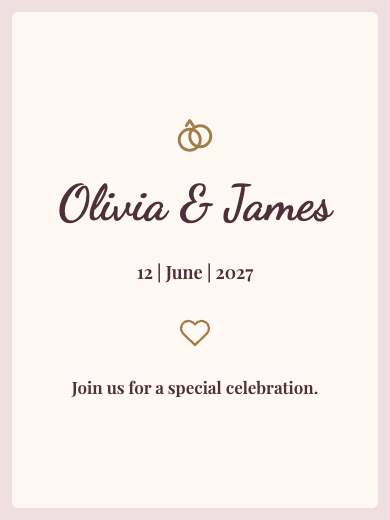

Different styles to choose from
View all designs


Different styles to choose from
View all designs


Different styles to choose from
View all designs


Different styles to choose from
View all designs


Different styles to choose from
View all designs


Different styles to choose from
View all designs
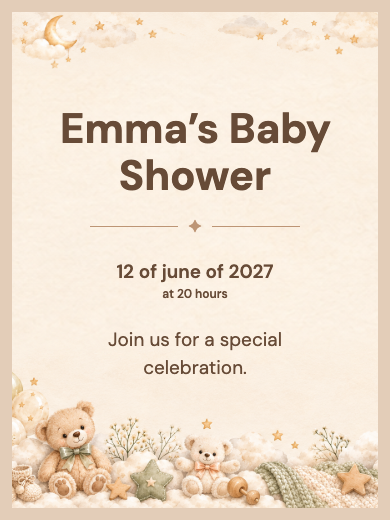

Different styles to choose from
View all designs


Different styles to choose from
View all designs


Different styles to choose from
View all designs

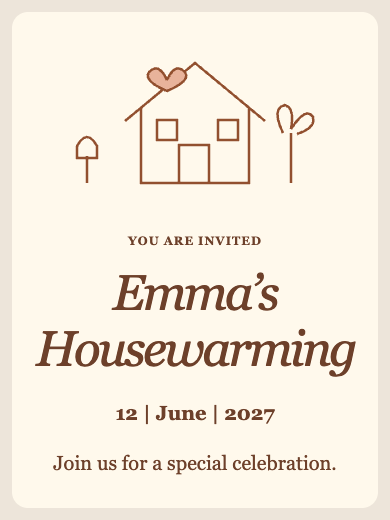
Different styles to choose from
View all designs


Different styles to choose from
View all designs

Different styles to choose from
View all designs


Different styles to choose from
View all designs


Different styles to choose from
View all designs


Different styles to choose from
View all designs


Different styles to choose from
View all designs


Different styles to choose from
View all designs
Different styles to choose from
View all designs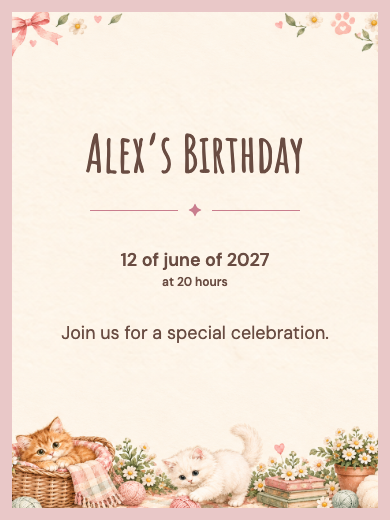

Different styles to choose from
View all designsFind a design for birthday invitations, weddings, baby showers or your next party.
Use the online invitation maker to add your event’s date, time, location and a personal message.
Send your digital invitation through WhatsApp, email or messaging and see who plans to attend.
An online invitation brings your event details together and helps you plan the celebration. With Confetin, choose a design, add a photo, date, time and venue, then share the link on WhatsApp. Guests can RSVP and view the gift list on the invitation. Explore designs for weddings, birthdays, sweet 15 parties, baby showers and graduations, with details that are easy to read on a phone.
Choose a design, add the event details and check the RSVP options. Then share the invitation link and follow responses in your account.
Yes. Share the invitation link in a chat or group. Recipients open the page and RSVP directly on the invitation.
The public RSVP form can be completed without creating a Confetin account. The host uses an account to manage the invitation and event.
Yes. In the RSVP settings, you can allow additional guests, set a limit and choose a deadline for responses.
Yes. Your invitation can include RSVP and a gift list. Set up the gift section using the options available for your event.