
Cartoon birthday invitations
Browse Cars, The Simpsons, SpongeBob and Patrick invitations. Personalize the party name, photo and details, then share your digital invitation with guests.
4 templates

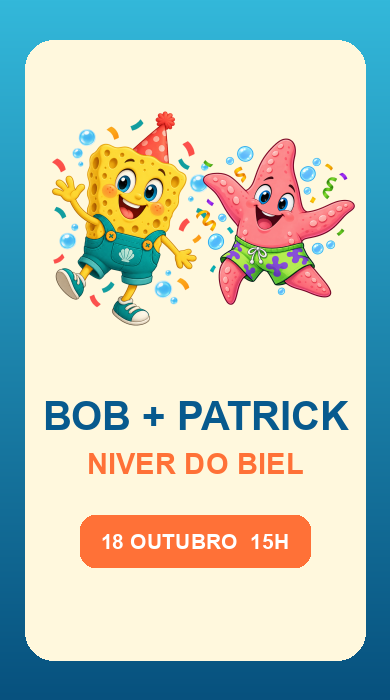
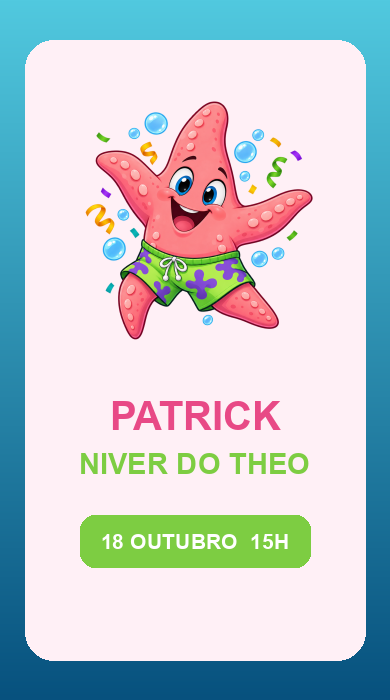
No templates found. Try a different name or explore another category.
Choose a character for your party
Compare the Cars, The Simpsons, SpongeBob and Patrick designs. Each has its own layout, so check it with and without a photo before filling in the details. These themes can also suit adults who enjoy the characters.
Personalize the event name
Use a title such as “Julia’s Birthday” or “Lucas’s Party”. Invite your friends to celebrate and include the date, time and address. If there are games or a special program, mention them in the introduction.
Check before sharing
Review the title and photo on mobile and check the RSVP link. Decide whether guests can bring companions. Then share the invitation link on WhatsApp with a short message explaining the celebration.
Before creating your invitation
How do I personalize a template?
Open a template, review the preview and select “Create with this template”. The editor will open with your chosen design.
Can I change the invitation language?
Yes. You can choose Portuguese, English or Spanish in the editor. Review your own names, messages and event details before sharing.
What information should I include?
Include the names, date, time, venue and RSVP instructions. Add a dress code or gift list if relevant to your event.